

Trading Guide
Creating an Account
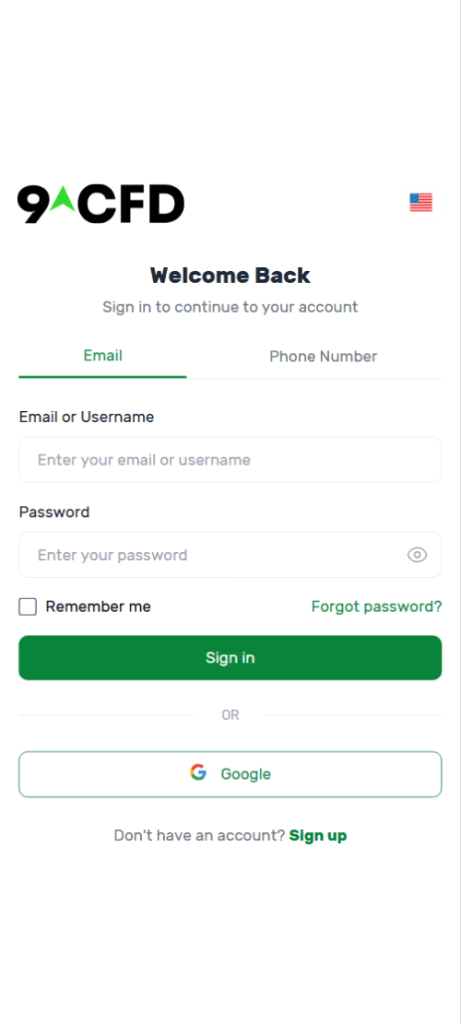
On the login screen, you can sign up for a new account through the link at the bottom, or log in using your existing account credentials.
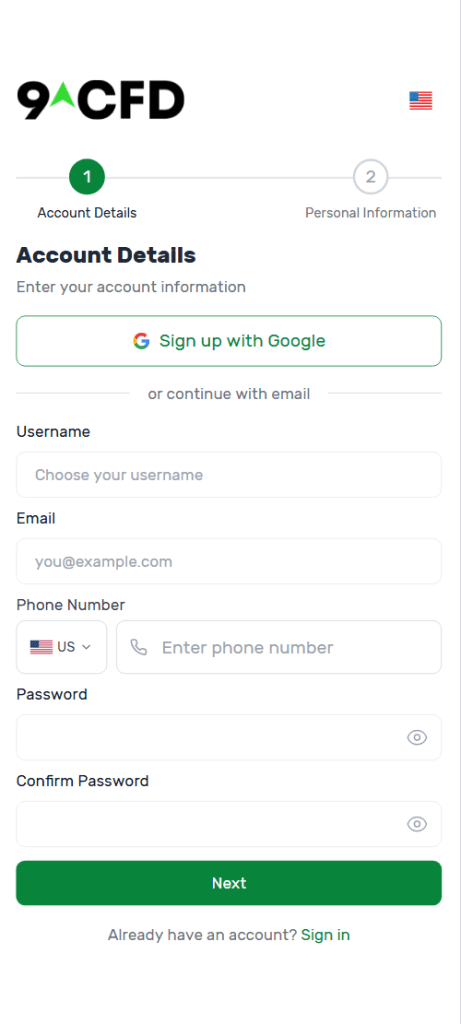
On the sign up page, choose a username, enter your email address, and create a password. Press next to continue the process.
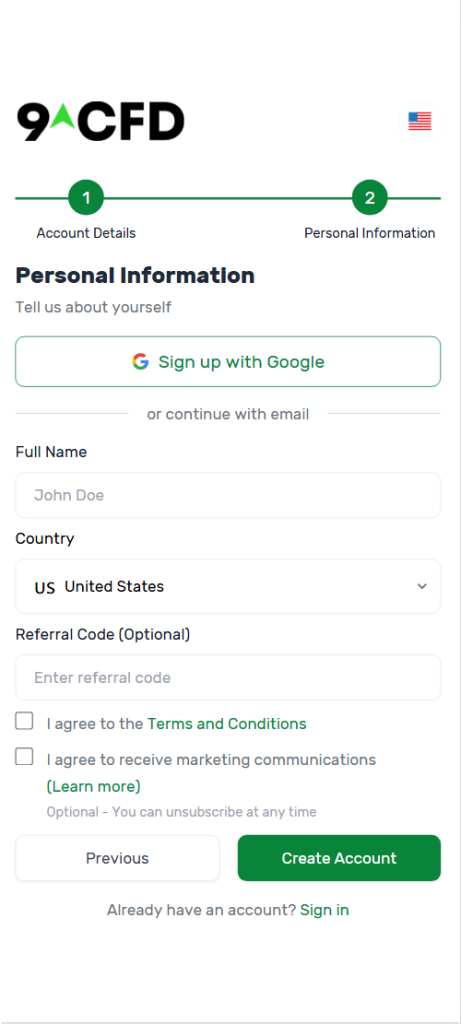
Enter your personal information, review and agree to the Terms and Conditions, and then select Create Account.
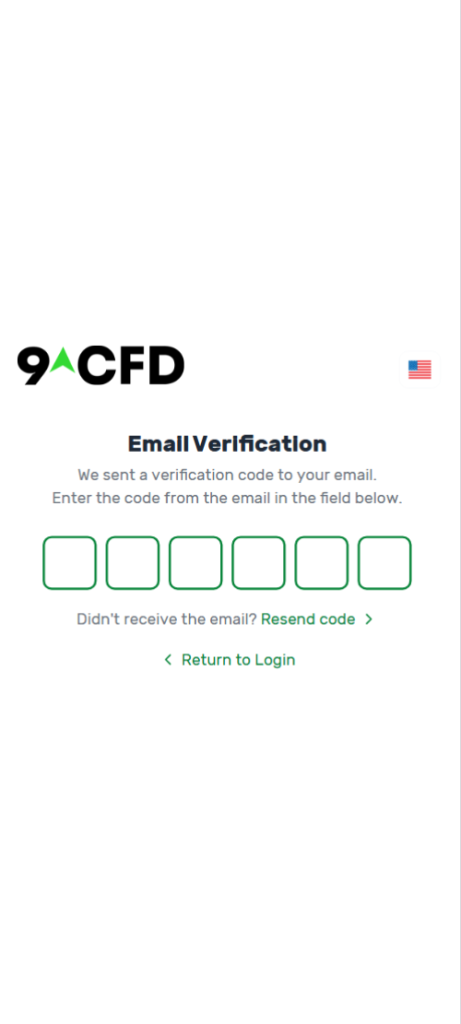
You will then be asked to enter verification codes sent to your email and phone. Once you have verify the account with these codes, you can log in and begin trading.
How to Trade
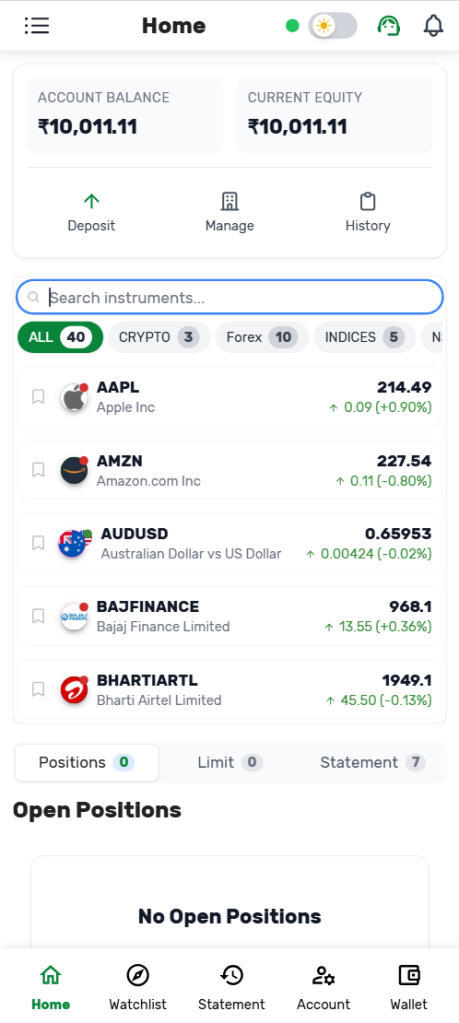
On the Home tab, you can search for specific instruments in the search box. You can also browse the available instruments by choosing one of the groups below the box (e.g. Crypto, Forex). Tap on an instrument to view its details.
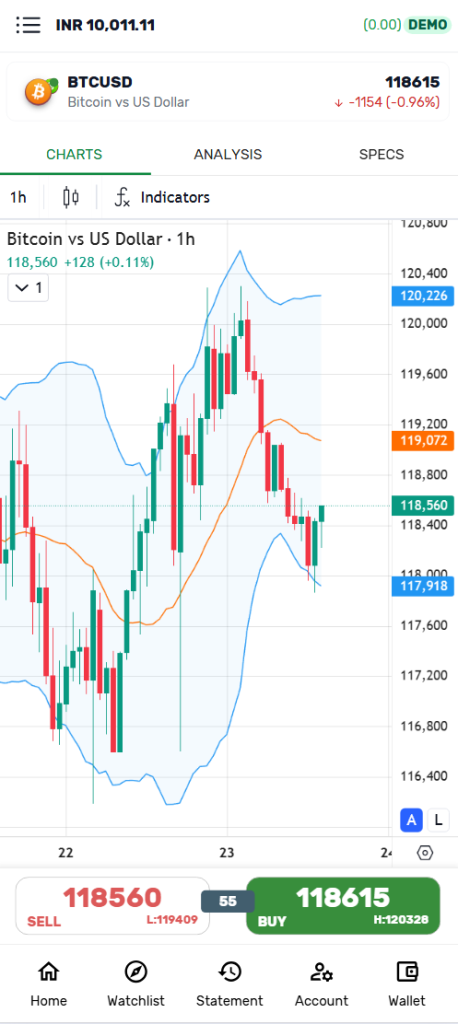
You can view more information about the instrument on this screen by tapping the Charts, Analysis, and Specs tabs at the top. When you are ready to place a trade, select “Sell” or “Buy” at the bottom.
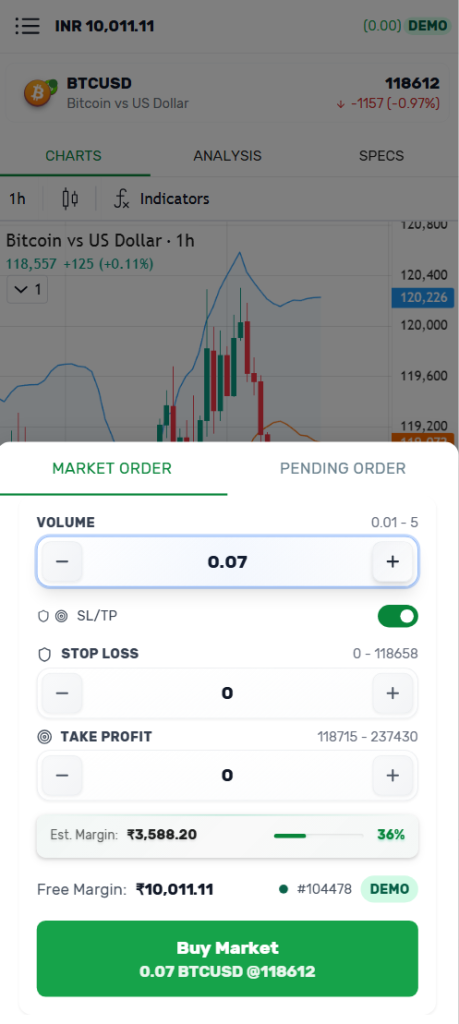
In the order form, you can fill out the details of your Market Order or Pending Order, such as Volume, Stop Loss, and Take Profit. Your Estimated Margin will be displayed below. Once you have made your desired selections, tap the Sell or Buy button at the bottom to place your order.
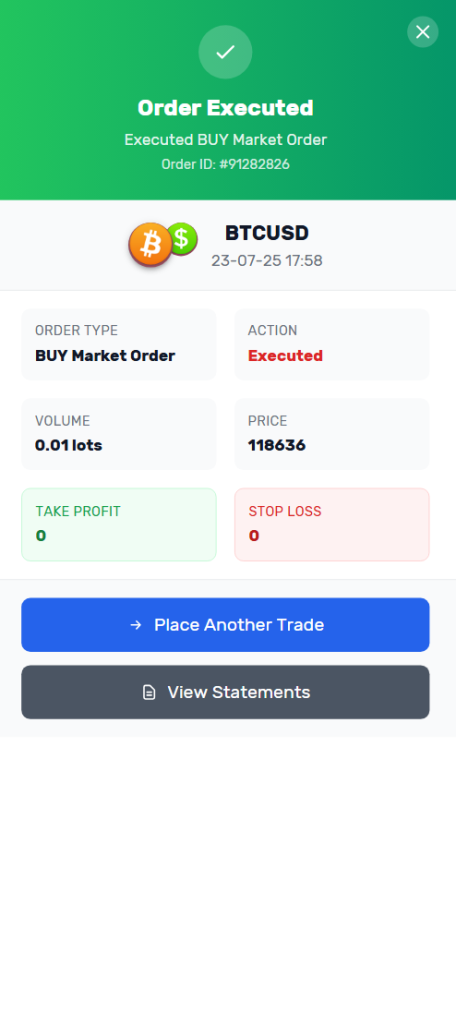
If your order is placed successfully, you will then see an Order Confirmation screen.
Platform Highlights
- Crypto, Forex, indices, NSE, US commodities, and US stocks
- Charts
- Live prices, news updates, insights
- Stop-loss, take-profit, alerts
- Demo accounts
Start your Trading Journey now
Instant Registration
Signup with just a mobile no and minimal documentation
Instant Deposits
Supported by multiple secure payment methods
Start Trading
Trade in Global Assets instantly